One line. A live trust signal.
One snippet shows your witnessed state, updating itself with no redeploys.
This loads the real badge.js against Trooth's own slug, so what you see is a live witnessed record. Swap in your own slug and the same script renders your record.
This record organizes source-linked information for a security review. It is not an audit, certification, or suitability decision. How Trooth reads a record
One line of HTML
Copy the embed
Replace data-slug="your-co" with your company slug, then paste it anywhere in your HTML.
<div id="trooth-trust-badge" data-slug="your-co"><a href="https://trooth.co/network/company/your-co">your-co Trust Profile on Trooth</a></div><script src="https://trooth.co/badge.js" async></script><div id="trooth-trust-badge" data-slug="your-co" data-theme="dark"><a href="https://trooth.co/network/company/your-co">your-co Trust Profile on Trooth</a></div><script src="https://trooth.co/badge.js" async></script>[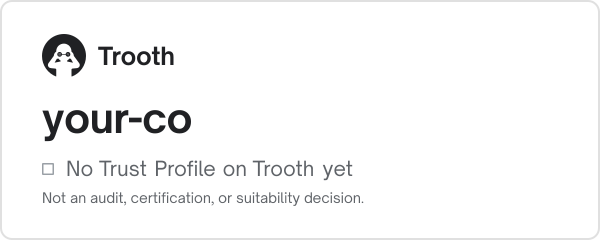](https://trooth.co/network/company/your-co)Placement
Where to paste itThe badge works anywhere you can add HTML.
Security or Trust page
The highest-intent spot: buyers and their security teams look here first.
Site footer
Your witnessed state and its read date on every page.
Vendor / partner profile
Marketplaces, directories and responses to requests for proposal, where trust comes first.
Customize your badge
Manage your live badge and copy your embed in your company workspace.